Turn saved TikToks
into recipes you actually cook.
Your Favorites folder is where recipes go to die. Share any recipe video to Hearth and get a clean recipe card — ingredients, steps, servings, nutrition — in about nine seconds.
iPhone, iOS 18 or later. $6.99/month or $49.99/year — 14-day free trial on the annual plan.
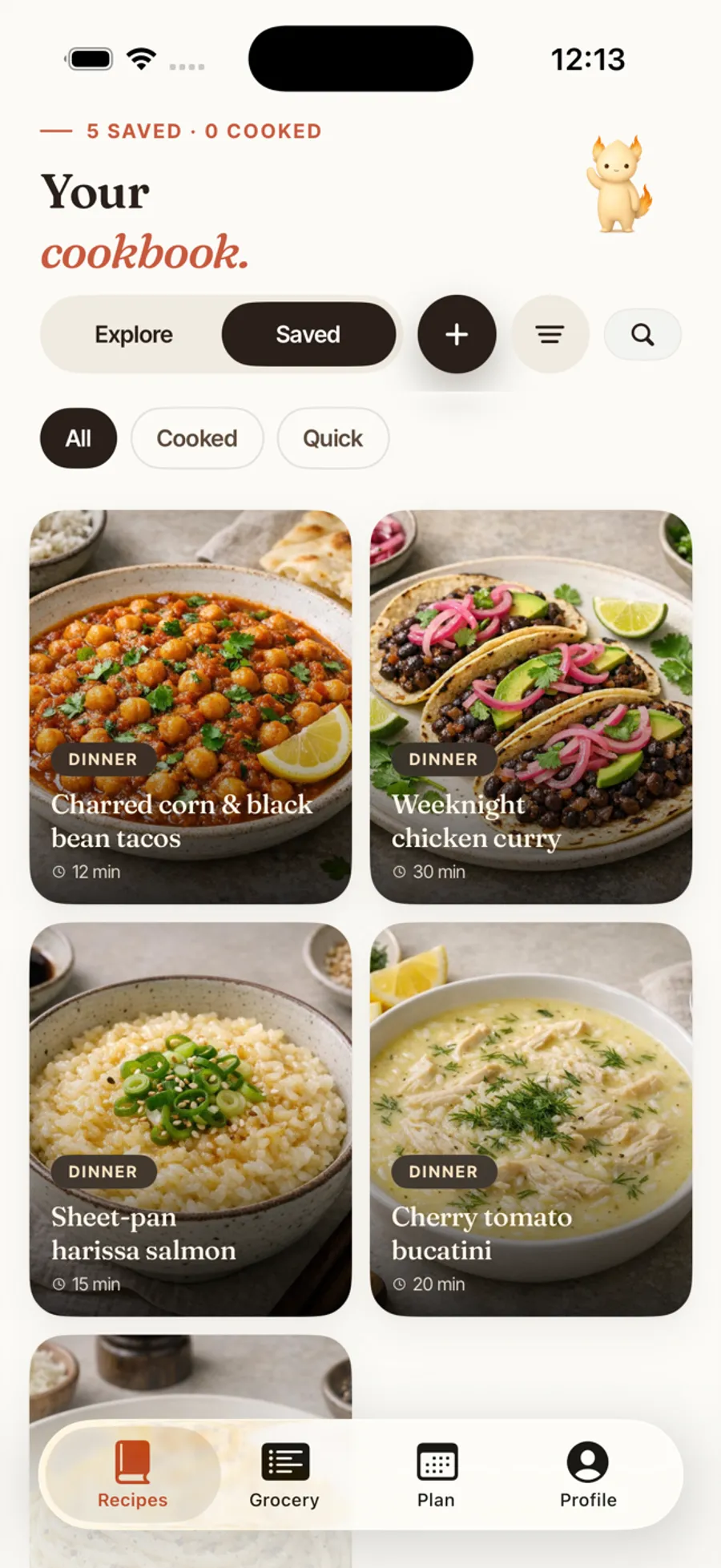
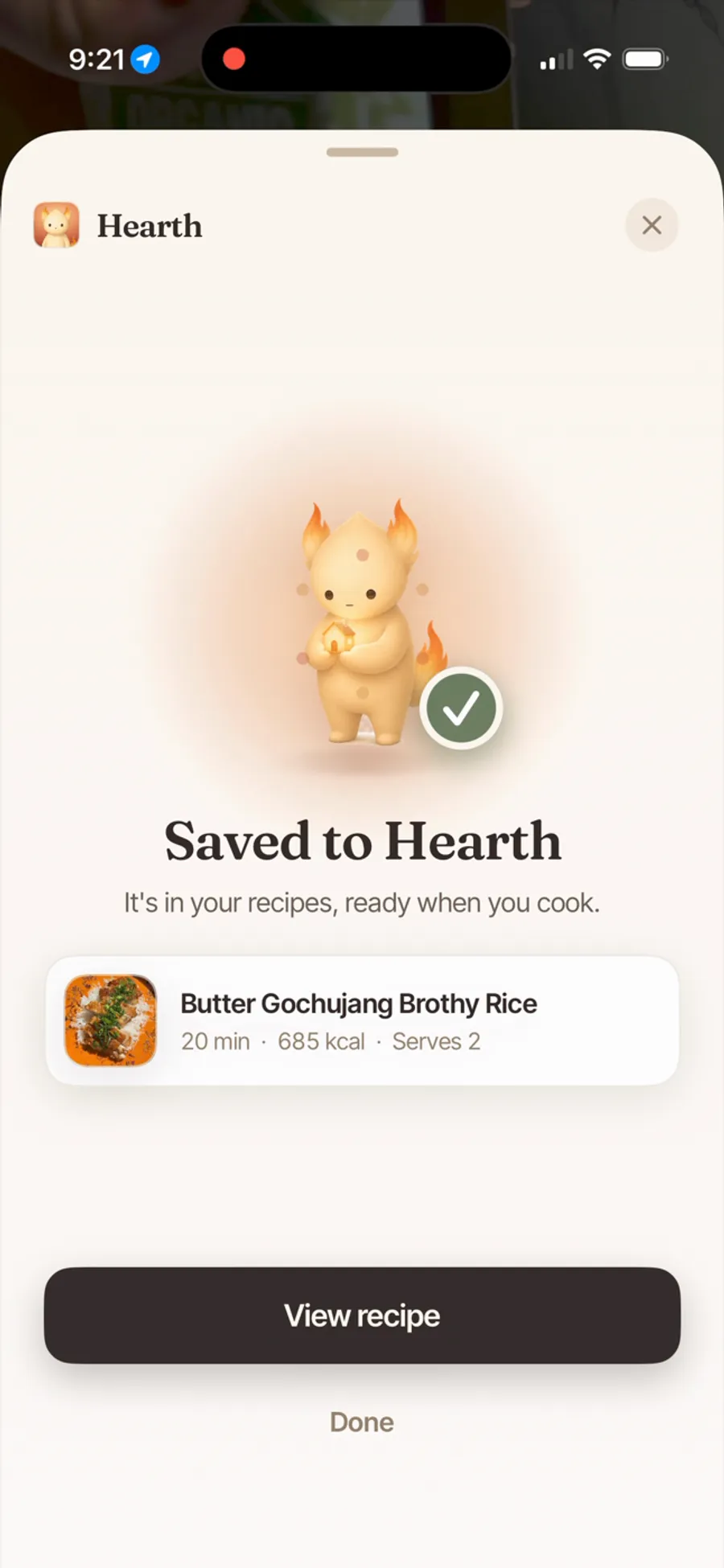
From Share button to your cookbook.
No copying links, no switching apps, no screenshotting the ingredient list at 0.5× speed.
Tap Share on the video
The same gesture as sending it to the group chat — hit TikTok's Share arrow and pick Hearth.
Watch the preview appear
Ingredients, steps, time, servings, and nutrition — parsed in about nine seconds, without leaving TikTok.
Save — and it's dinner-ready
Ingredients go to your grocery list in a tap, the recipe slots into the week's plan, and cook mode walks you through it at the stove.
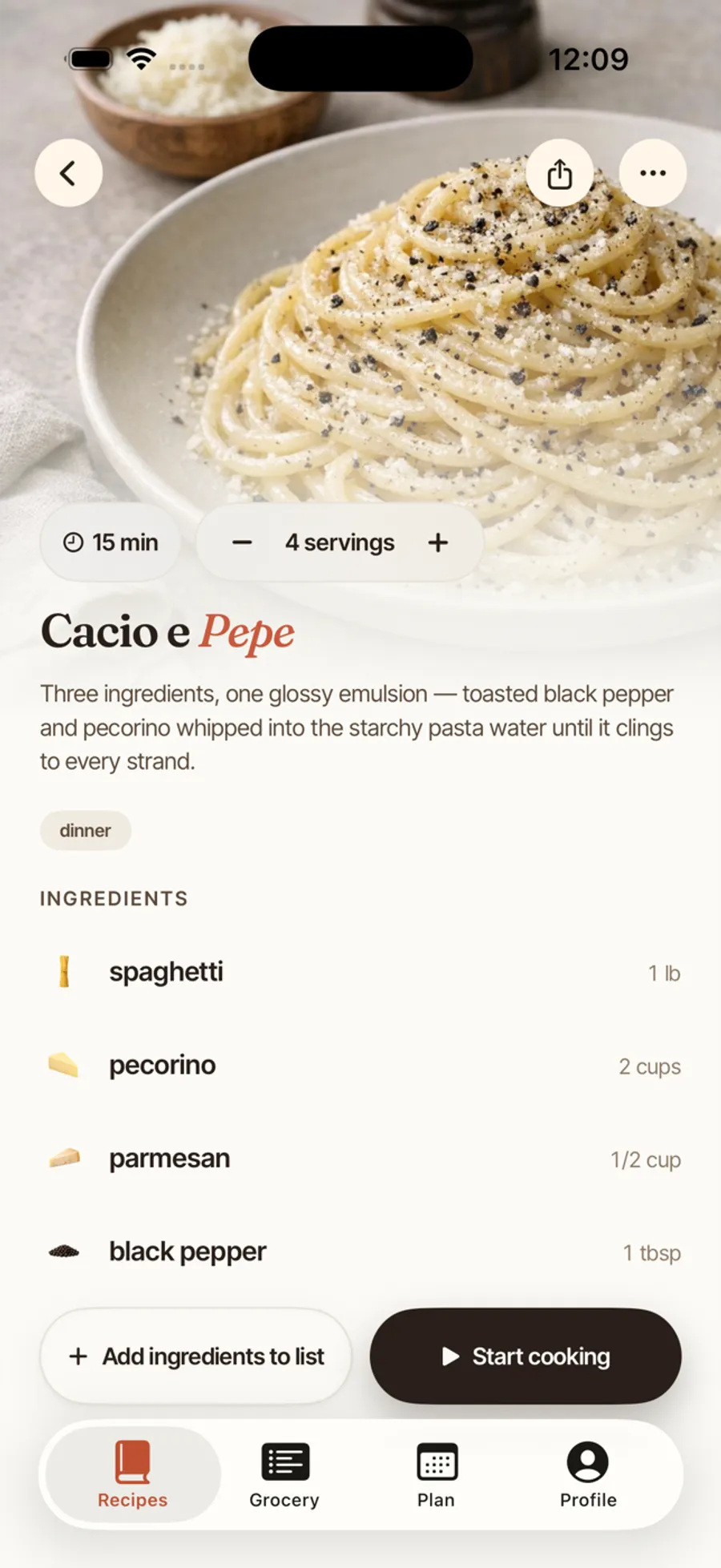
It works even when the caption says nothing.
Most TikTok recipes are never written down — the recipe lives in the voiceover. Hearth reads the video in layers:
- Reads the caption — some creators do write it all out.
- Listens to the video — spoken amounts become real ingredient lines.
- Reads on-screen text — even a recipe baked into the cover image.
- You preview before saving — fix any line the creator mumbled.
POV: the only pasta you'll make all winter 🤌
“…one can of coconut milk, and do not skip the fish sauce”

Private and friends-only videos can't be read — the video has to be publicly visible. If a creator never states an amount, Hearth won't invent one; you can fill it in after saving. And Hearth is iPhone-only (iOS 18+) — no Android or web app yet.
Not sure what to save first? Browse ours.
Hearth ships with 300+ recipes ready on day one — the kind of fast, high-flavor cooking TikTok loves.
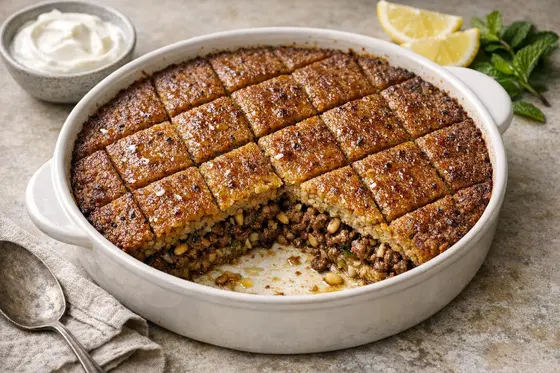
Dinner on the table in thirty minutes.
Weeknight-fast recipes you can pull off after work.
Browse the collection →
High-protein meals to build a week on.
Protein-packed recipes with nutrition estimated on every one.
Browse the collection →
Real food in fifteen minutes.
For nights when cooking has to be almost as fast as the video.
Browse the collection →More of an Instagram cook? The same share-sheet flow works for Reels — here's how Hearth saves Instagram recipes.
Saving TikTok recipes,
asked and answered.
Does it work when the recipe isn't written in the caption?
Yes — that's the point. When the caption comes up empty, Hearth transcribes what the creator says in the video and reads any text on the cover image. If the amounts were said out loud, they end up on your ingredient list.
Do I have to copy the link out of TikTok?
No. Tap TikTok's own Share button and choose Hearth from the share sheet — the preview appears without leaving TikTok. If someone texts you a link, you can paste it into Hearth directly.
Can it save recipes from private or friends-only TikToks?
No — Hearth can only read publicly visible videos. For private or friends-only videos, paste the recipe as text or import a screenshot instead.
How long does a TikTok import take?
The preview typically appears in about eight or nine seconds. Videos where Hearth has to transcribe several minutes of audio can take a little longer.
Is Hearth free?
The recipe catalog on the website is free to browse. The app is a paid subscription — $6.99/month or $49.99/year, with a 14-day free trial on the annual plan — with no ads and no locked-off features.
What else can Hearth import from?
Instagram Reels, YouTube, Facebook, Pinterest, any recipe website, pasted text, and photos — a cookbook page, a screenshot, grandma's index card. Everything lands in the same cookbook.

Your For You page,
finally organized.
Every recipe video you've ever double-tapped, turned into a cookbook you'll actually open. 14-day free trial on the annual plan.
Download on the App Store